Trigger screenshot download

Now you can set attachment filename to trigger screenshot download in the browser.

Blog post 1 min read

Written by

Dmytro Krasun

Published on

Use attachment_name option to set attachment filename to trigger screenshot download in the browser:

https://api.screenshotone.com/take?attachment_name=screenshot&url=https://example.com/&access_key=<access key>&format=jpg

It will trigger download of the screenshot with the filename screenshot.jpg.

You don’t need to set the file extension, it will be detected automatically by the format option.

As always, if you have any questions, please, reach out at support@screenshotone.com.

Read more product updates

New features, bug fixes, and optimizations...

View all product updates
ScreenshotOne is now integrated into Summit

ScreenshotOne is now integrated into Summit

The ScreenshotOne screenshot API is now natively integrated into Summit and you can perform anything on top of the powerful screenshot automation and Summit models—only the sky is the limit.

Read more

1 min read

Improved blocking of banners and popups

Improved blocking of banners and popups

Improved generic algorithm to bypass blockers and better banner exclusion heuristics.

Read more

1 min read

Fixed a validation issue in the playground

Fixed a validation issue in the playground

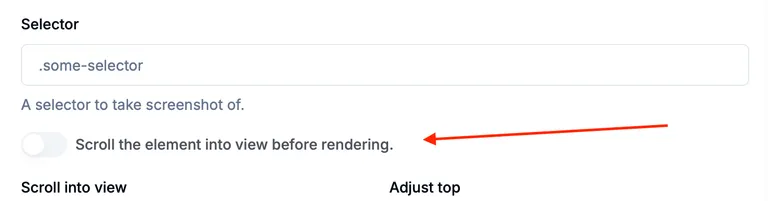
We fixed a validation issue in the ScreenshotOne playground caused by selector scroll into view.

Read more

1 min read

Automate website screenshots

Exhaustive documentation, ready SDKs, no-code tools, and other automation to help you render website screenshots and outsource all the boring work related to that to us.